Contributing
Connect to the manage database in DataGrip
Copy page
This guide explains how to connect DataGrip to the local Inkeep manage database and run branch-scoped queries on a project branch.
Download DataGrip
Install the latest version of DataGrip from JetBrains: DataGrip download.
Create a PostgreSQL data source
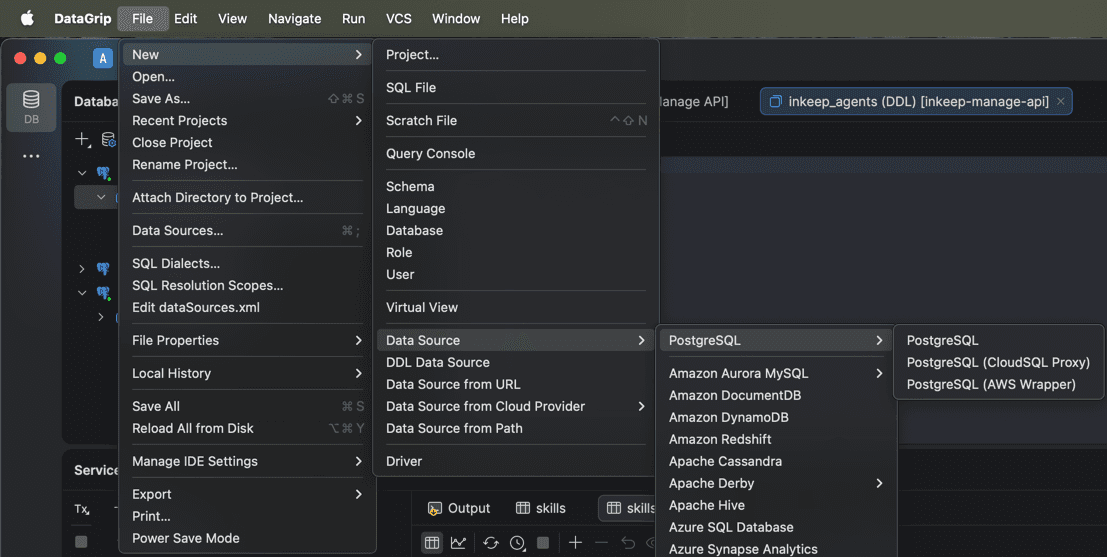
In DataGrip, go to:
File -> New -> Data Source -> PostgreSQL -> PostgreSQL.
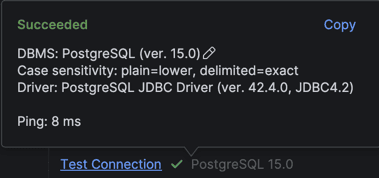
Fill data source details
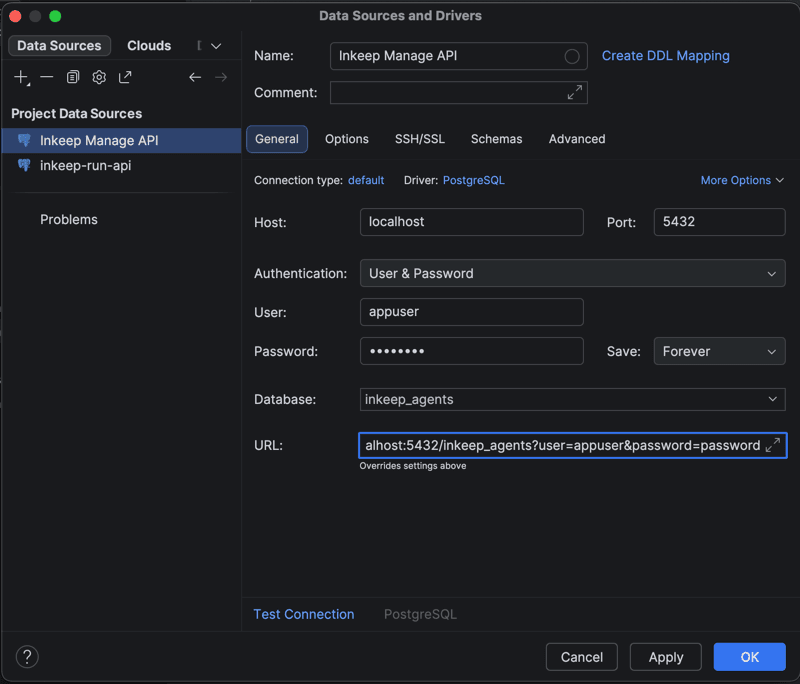
Use this URL:
Or fill the fields with these values:
- Name:
Inkeep Manage API - User:
appuser - Password:
password - Database:
inkeep_agents
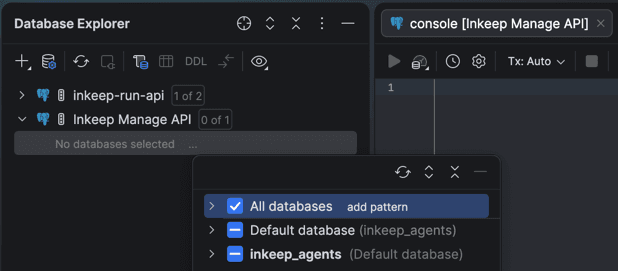
Select databases
In Database Explorer, click the 3 dots next to No databases selected and select all databases.
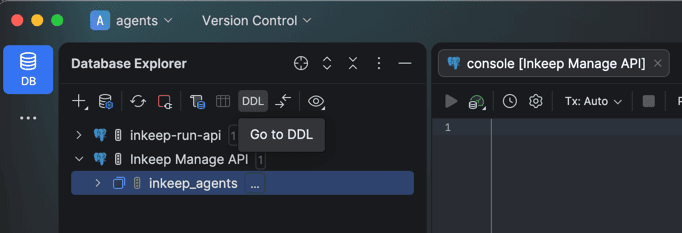
Check out a Dolt branch and run a query
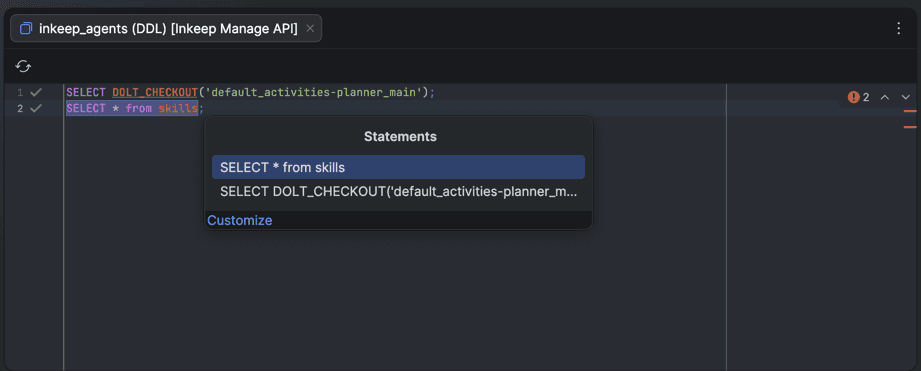
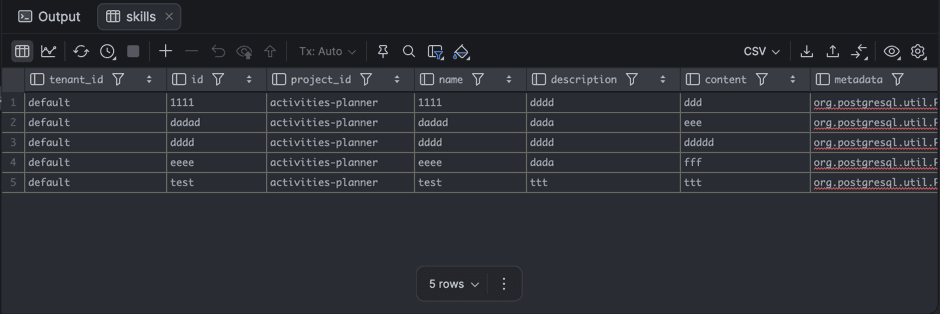
In the query console, check out the project branch first, then run your SQL.
Example for the default sample project:
General branch pattern:
Run queries with Cmd/Ctrl + Enter, then choose the statement to execute.